
SideQuest
Tools
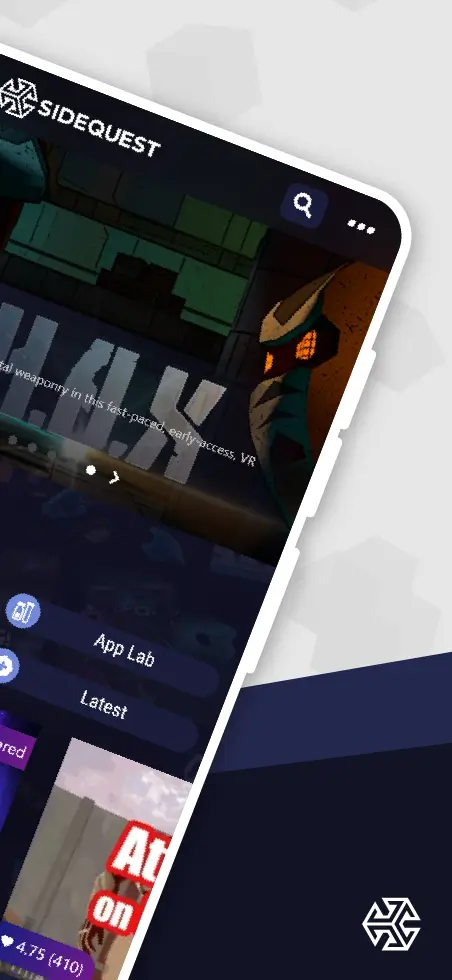
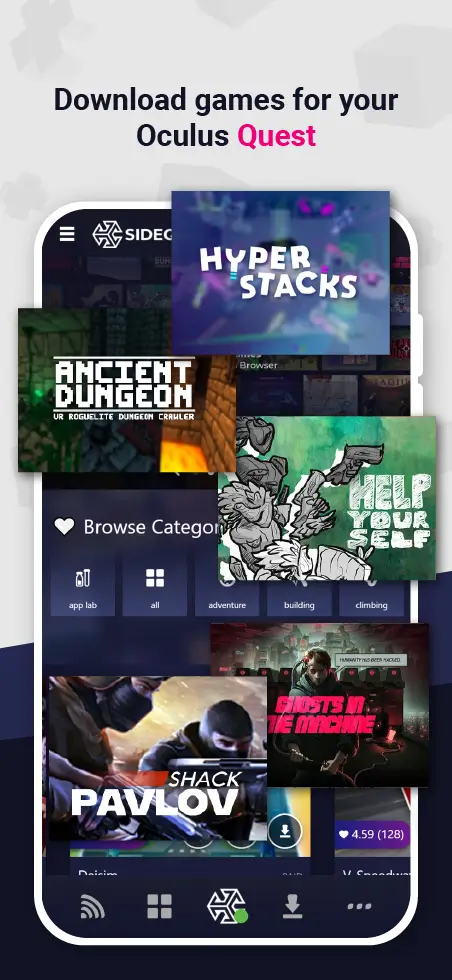
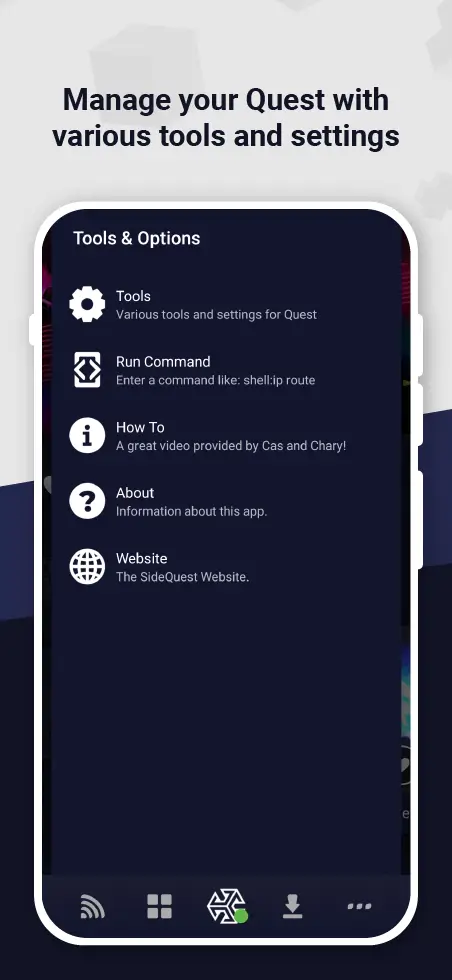



SideQuest is a free Android application that lets you sideload VR content onto compatible headsets such as the Meta Quest series. It acts as an alternative marketplace, giving you access to indie games, experimental demos, and utilities that aren’t available through the official stores.
This page provides the latest version information, a step‑by‑step installation guide, and practical tips for safe use.
Quick Information
| App/Game Name | SideQuest |
| Latest Version | 2.3.1 |
| Developer | Not listed |
| Category | Apps / Tools |
| App Size | 22.47 MB |
| Package Name | side.quest.mobile |
| Last Updated | 8 October 2026 |
What Is SideQuest?
SideQuest serves as a community‑driven platform for discovering and installing VR experiences outside the mainstream channels. Core features include a searchable library, easy file transfer via USB or Wi‑Fi, and the ability to manage installed apps directly from your Android device. It is aimed at VR enthusiasts who want more flexibility and developers looking to distribute early builds.
Because SideQuest is not an official store, some content may be experimental or lack the polish of curated releases. The app itself does not require a paid subscription, but individual games may have their own pricing.
Compatibility
| Android Version | Not Verified |
| Architecture (ARM64 / 32-bit) | ✓ Verified — Supports common device architectures |
| Internet Connection | ✓ Verified — May be required for ads, updates, or login |
| Storage Needed | Not Verified |
| OBB/Data Files | Not Verified |
| Root Required | Not Verified |
How to Install
- Download the SideQuest APK file to your Android device.
- Open the file manager and tap the APK to start the installation.
- If prompted, enable Install unknown apps for your browser or file manager in Settings → Apps → Special app access.
- After installation, launch SideQuest and follow the on‑screen prompts to connect your VR headset via USB or Wi‑Fi.
- Allow any permission requests (e.g., storage access) so SideQuest can transfer files to the headset.
Troubleshooting
- App not installed: Verify that your device allows installations from unknown sources and that there is enough free storage.
- SideQuest cannot detect headset: Ensure USB debugging is enabled on the headset (Settings → Developer options) and that the USB cable supports data transfer.
- Crashes on startup: Clear the app cache (Settings → Apps → SideQuest → Storage) and restart the device.
- Content fails to install: Check that the headset has sufficient internal storage and that the file format is supported (typically .apk or .obb).
Safety & Security
SideQuest is a third‑party client, so it’s important to download the APK from a reputable source. Review the permissions the app requests; it typically needs storage access to move files to your headset. Avoid entering personal or payment information directly into SideQuest unless you are purchasing a specific title from a trusted developer.
Because the app modifies the standard installation flow, future official updates to your headset may temporarily disable sideloaded content. Re‑installing or updating SideQuest after a headset firmware change is usually required.
How SideQuest Compares
| Feature | SideQuest | Viveport | Oculus Store | SteamVR |
|---|---|---|---|---|
| Price / Free model | Free to use; individual apps may be paid | Subscription (Viveport Infinity) + pay‑per‑title | Free to browse; purchases via Oculus account | Free client; games sold on Steam |
| Platform availability | Android (sideload to Quest, Pico, etc.) | Android & PC (Vive headsets) | Integrated into Oculus hardware | PC (Windows) with compatible VR headsets |
| Standout feature | Community‑driven sideloading, easy USB/Wi‑Fi transfer | Viveport Infinity subscription library | Officially curated, seamless headset integration | Massive PC game library, advanced tracking support |
| Best for | Experimenting with indie and early‑access VR apps | Users who want a subscription of VR titles | Those who prefer official, fully supported content | PC gamers seeking high‑end VR experiences |
Alternatives
- Viveport – Offers a subscription service and a storefront for HTC Vive and other compatible headsets.
- Oculus Store – The official marketplace for Meta Quest devices, providing vetted apps and automatic updates.
- SteamVR – Connects PC‑based VR games from Steam to a wide range of headsets, ideal for high‑performance experiences.
- XR Toolbox – A utility app that helps manage files and settings across multiple VR platforms.
Final Verdict
SideQuest is a solid choice for VR users who want more freedom than the official stores provide. It’s free, relatively easy to set up, and opens the door to a vibrant community of indie developers. However, because it relies on sideloading, users should be comfortable with enabling unknown sources and handling occasional compatibility hiccups after headset firmware updates. If you value official support and a curated catalog, the Oculus Store or Viveport may be better fits.
Frequently Asked Questions
SideQuest is widely used in the VR community, but you should download it from a trusted source and review the permissions it requests before installing.
SideQuest works on Android 6.0 (Marshmallow) and newer, though newer versions provide a smoother experience.
No, rooting is not required. SideQuest uses standard USB or Wi‑Fi debugging to communicate with the headset.
Yes, SideQuest lets you install both free and paid VR apps onto an Oculus Quest or Quest 2 via USB or wireless connection.
A PC is optional; you can install and manage content directly from the Android app, though a PC can simplify large file transfers.
Firmware updates can temporarily break sideloaded apps; you may need to reinstall SideQuest or re‑enable USB debugging after the update.
SideQuest itself is free, but individual games or experiences you download may have their own price tags.
SideQuest is primarily designed for headset interaction; without a compatible VR device, its core functionality is limited.